FREETeleport
Pick a place. Teleport there.
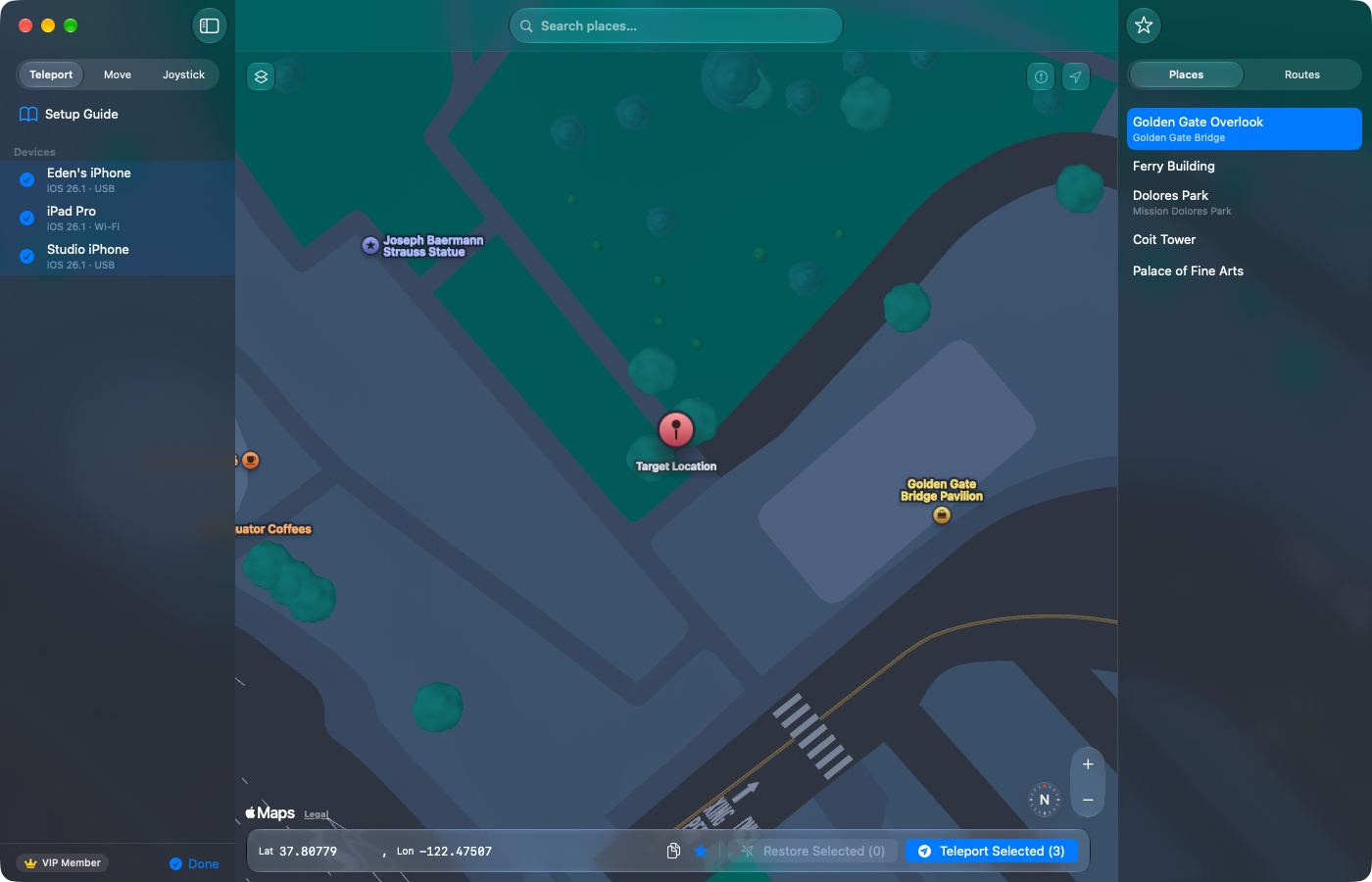
Search for a place or choose a point on the map. Your connected iPhone or iPad reports that location instead.
Free for one USB-connected device · Restore always free
See what’s included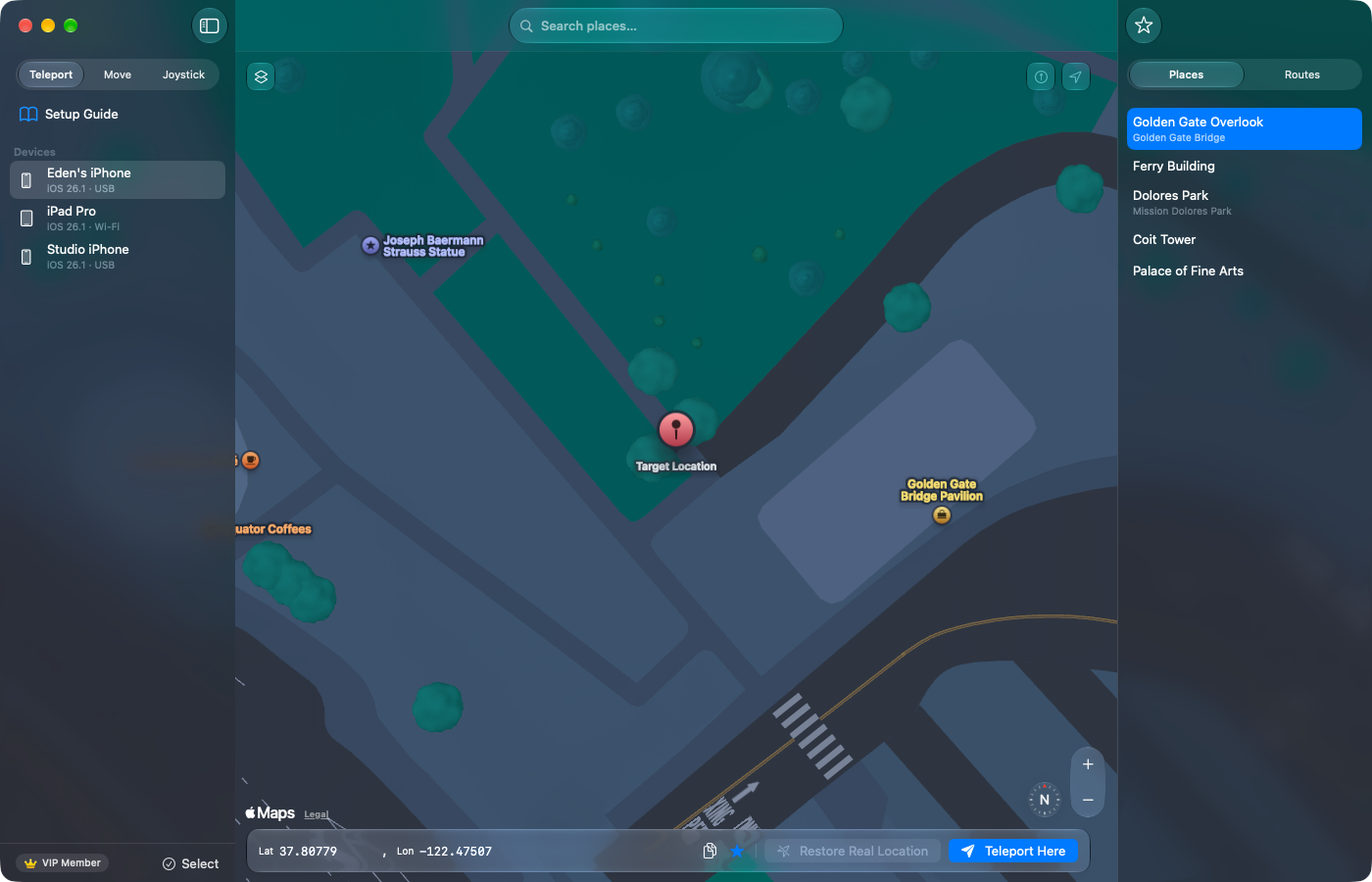
VirtualLocation
MAC APP · NO XCODE
Connect an iPhone or iPad, then choose a place on the map. Teleport one device for free over USB — no Xcode, no jailbreak, and nothing to install on the device.
Free Teleport for one USB device · No Xcode · Restore always freeOne map, three ways to set location: Teleport, Move, and Joystick.
QUICK START
Connect over USB and trust this Mac.
Turn on Developer Mode and restart.
Choose a place and Teleport.
After USB pairing, Wi-Fi Teleport is available with VIP on the same Wi-Fi network.Support
FEATURES
Teleport one device free over USB, then add routes, live steering, Wi-Fi Teleport, batch Teleport, or multi-device route movement when you need them.
FREETeleport
Search for a place or choose a point on the map. Your connected iPhone or iPad reports that location instead.
Free for one USB-connected device · Restore always free
See what’s included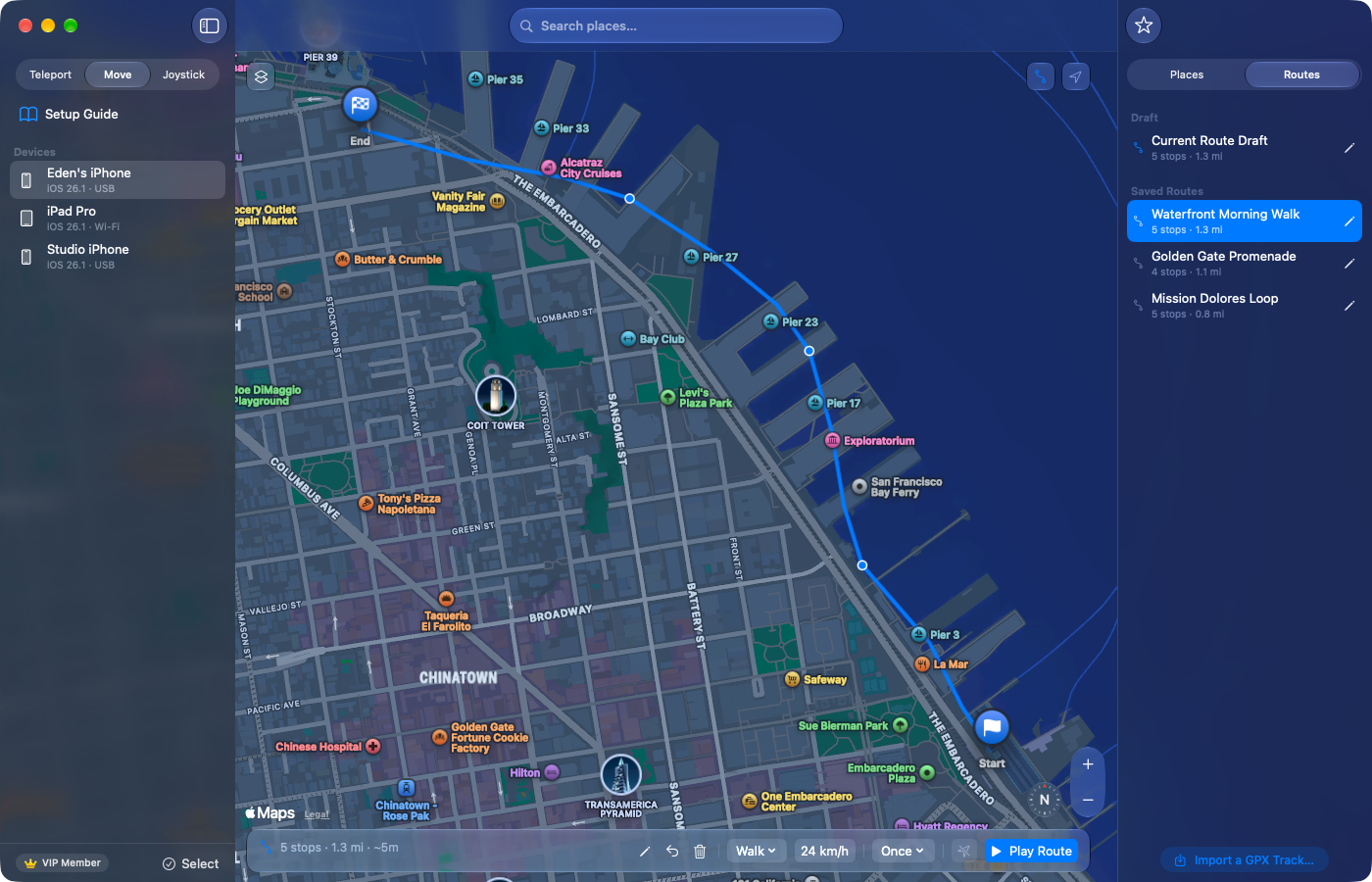
VIPMove
Add stops on the map or import a GPX file, then follow the route at the speed you choose.
Choose walking, driving, or a straight line, and adjust speed while moving.
VIPJoystick
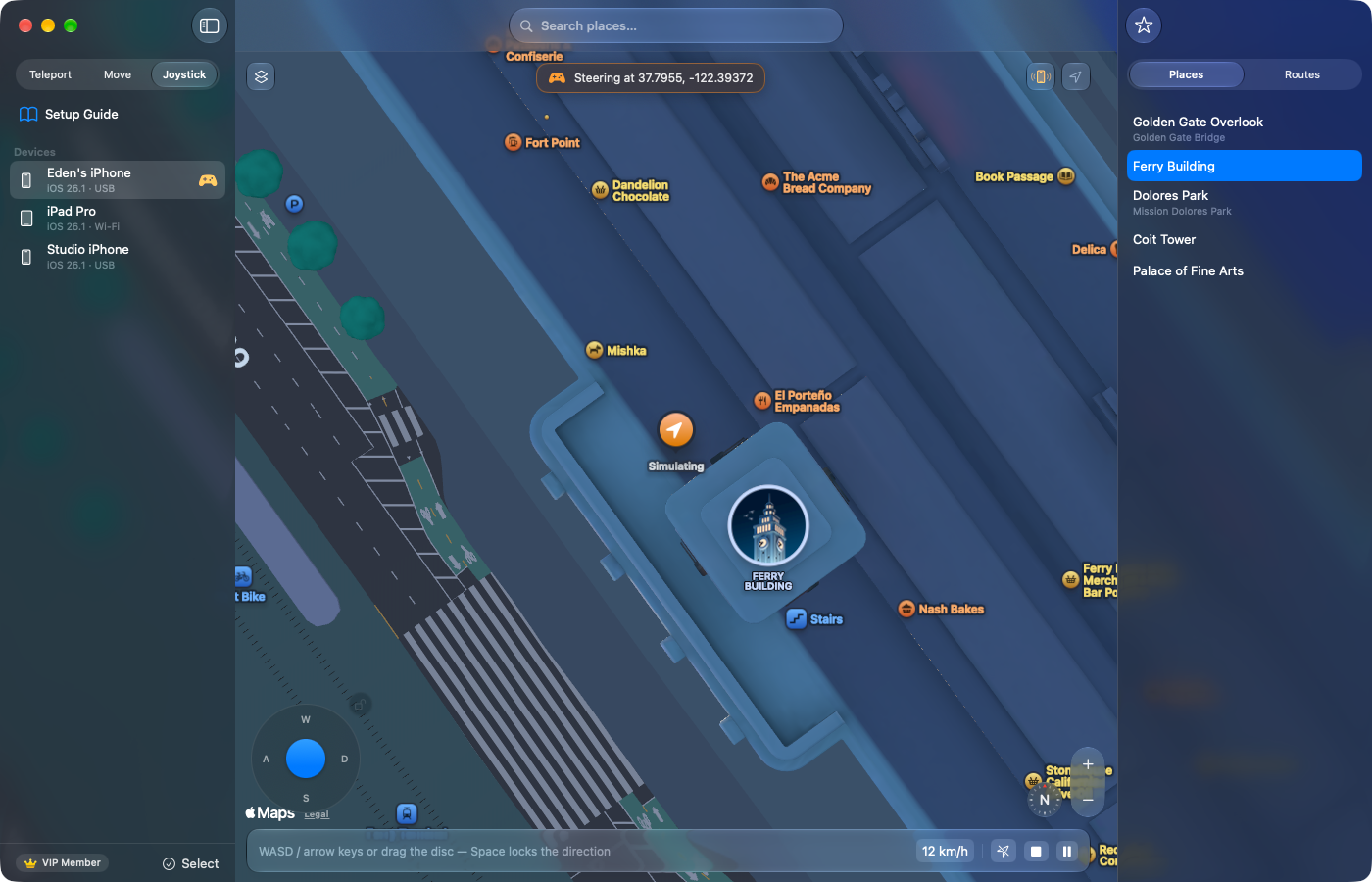
Hold WASD or the arrow keys, or drag the on-screen joystick, to move in any direction.
Adjust speed as you go, or use Direction Lock to keep moving after you let go.
VIPBatch
Select your connected devices, then teleport them together or move them along the same route.
Batch Restore is always free, even without VIP.
FREE & VIP
Download the app for free, or unlock advanced features with one VIP purchase.
FREE
US$0
The essentials for one USB-connected device.
VIP ONE-TIME
US$19.99 one-time
Advanced control, without a subscription.
One-time purchase. No expiration. Your license works offline after activation.
Buy VIP — US$19.9914-day refund policy · Purchases processed by Dodo Payments
FAQ
No. You do not need Xcode or a jailbreak.
Use a compatible Mac and iPhone or iPad. Pair them over USB for the first time, then unlock the device and trust this Mac. Turn on Developer Mode in Settings → Privacy & Security, restart the device, and confirm Developer Mode after it restarts.
After USB pairing, connect your Mac and device to the same Wi-Fi network and make sure the device is discoverable. Sleeping or locking may interrupt the connection; wake and unlock the device before retrying. Wi-Fi Teleport requires VIP, while USB Teleport stays free for one device.
Choose Restore in the app or restart your device to clear the virtual location. Single-device Restore and Batch Restore are always free. An app that is already open may show a cached location; reopen it or wait for it to refresh.
No. VIP is a one-time purchase with no expiration. It covers up to 3 activated Macs at a time, and your license works offline after activation.
Request a refund within 14 days of purchase and include your Dodo Payments order ID. Read the refund policy.
VIRTUALLOCATION FOR MAC
Download VirtualLocation for Mac. Teleport one device over USB for free, and upgrade only if you need VIP features.